Instagram DM Automation for Real Estate Agents
A practical Instagram DM automation system for real estate agents. Reply to listing enquiries, qualify buyers, and book showings without losing the human touch.
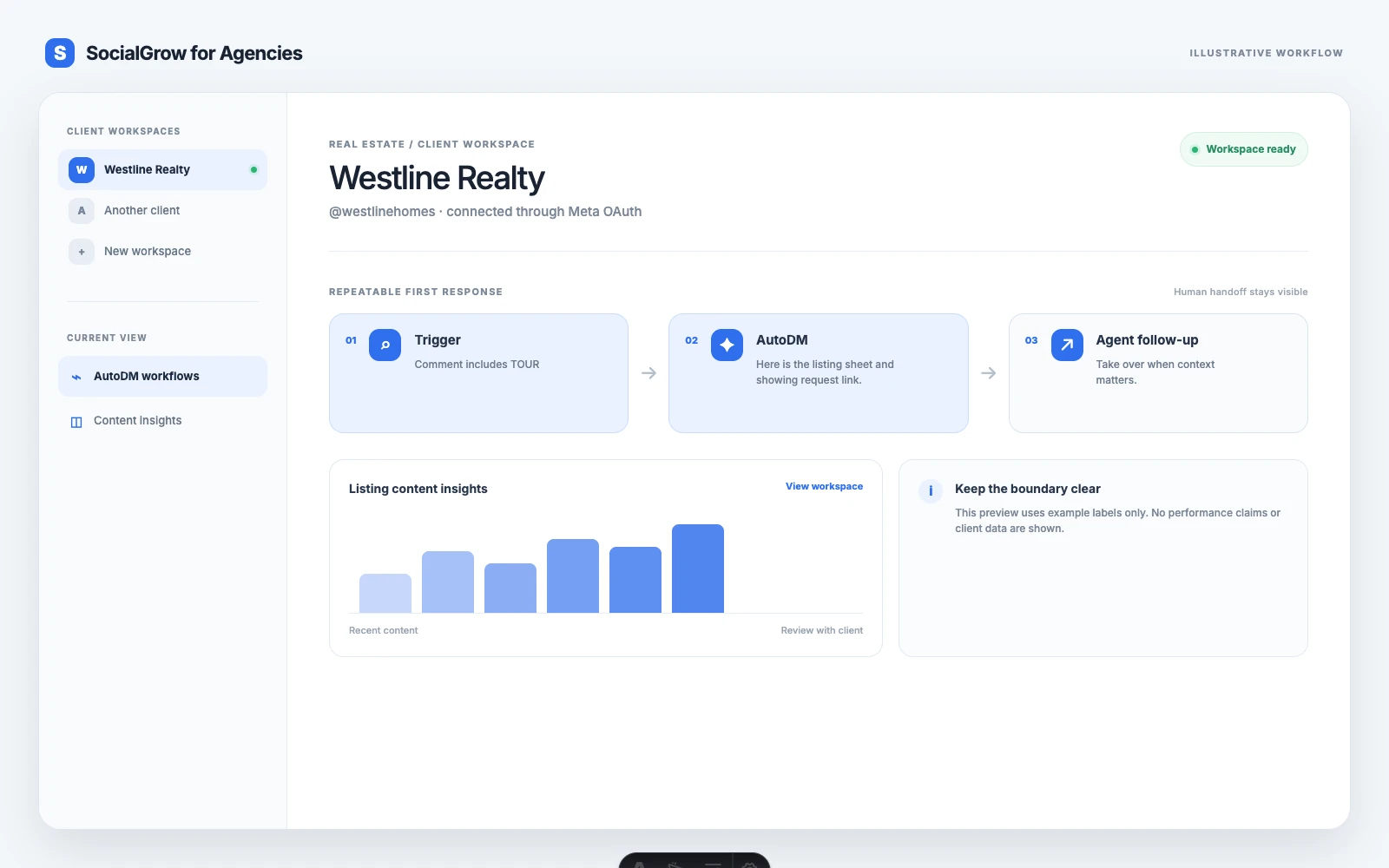
Instagram DM automation works best for real estate when it removes delay from a conversation that has already started. A buyer comments INFO on a listing Reel. The agent sends the property details, asks what the buyer is looking for, and offers a showing. The first response is automated. The trust-building conversation stays human.
If you searched for Instagram auto-reply for real estate agents, start with one listing enquiry workflow: send the promised price, location, or showing information first, then ask one qualification question and hand the conversation to the agent.
For message copy, see Instagram auto-reply message examples. For a qualification checklist, use the real estate lead qualification tool.
This matters because real estate enquiries are time-sensitive. Agents are often at showings, in meetings, or driving between properties when a serious buyer asks a question. Social media is already part of the profession’s toolkit. The National Association of REALTORS® reported that 75% of members used social media in its 2025 technology survey, while social media was the technology category most often named as a source of quality leads. Read the NAR survey summary.
For a software shortlist, compare Instagram DM tools for real estate agents.
The real problem is not more messages
Most agents do not need a bot that talks to everyone. They need a reliable first response for people who have shown clear intent.
Agent discussions repeatedly surface the same problems:
- Posting listing videos without getting useful enquiries
- Seeing views and likes but few conversations
- Replying late because the agent is working with a client
- Sending the same property details again and again
- Losing the lead after the first reply because there is no follow-up system
The right automation handles the repeatable parts and leaves the important judgment to the agent.
A simple listing enquiry workflow
Use one workflow for one property or one campaign. Do not make a single rule handle every listing in your account.
1. Give the post one clear next step
End the listing caption with a specific instruction:
Comment INFO and I will send the price, location, and showing details.
The keyword should match the offer. INFO works for property details. TOUR works for a video walkthrough. VISIT works for a showing request. GUIDE works for a buyer or seller resource.
2. Deliver the information immediately
The first DM should answer the request before asking for anything else.
Hi
{{first_name}}, here are the details for the{{property_name}}in{{area}}:{{listing_link}}. The current asking price is{{price}}. Would you like the next available showing times?
If the listing is no longer available, say so. An honest answer protects the agent’s reputation and gives the person a reason to ask about similar properties.
3. Ask one qualification question
Do not open with a long form. Ask the question that helps decide the next useful step:
Are you looking to buy in
{{area}}now, or are you researching for later?
The answer tells you whether to offer a showing, send similar listings, or place the person in a slower follow-up sequence.
4. Hand off at the right moment
Automation should stop when the person asks for advice, raises an exception, or shows strong intent. The agent can then reply with context instead of starting from zero.
Good handoff signals include:
- “Can I see it this Saturday?”
- “Would the seller accept an offer below this?”
- “I need something similar in another neighborhood.”
- “Can you explain the next step?”
Use different flows for buyers and sellers
The same listing post can attract buyers, agents, tenants, and curious neighbours. A useful system separates the next step without making the conversation feel like a questionnaire.
| Intent | First useful response | Next step |
|---|---|---|
| Buyer asking about a listing | Price, location, key features | Showings or similar properties |
| Seller asking about value | Local valuation resource | Valuation call |
| Renter asking about availability | Rent, deposit, move-in date | Viewing request |
| Neighbour sharing the post | Thank them and ask if they know someone looking | Referral conversation |
What to automate and what to keep human
Automate the predictable first response:
- Property details and listing links
- Open house times
- Directions or parking information
- Buyer and seller guides
- Showing request links
- A short first qualification question
- Lead source and campaign labels
Keep these conversations human:
- Negotiation and offer advice
- Legal, financial, or tax questions
- Fair housing or discrimination concerns
- Complaints and sensitive personal information
- Any conversation where the person asks for an agent
The agent’s judgment is the product. Automation should protect time for that judgment, not pretend to replace it.
How to write DMs that feel useful
Use this structure:
- Confirm what the person asked for.
- Give the promised information.
- Ask one simple question.
- Offer a clear next step.
Avoid messages such as “Thanks for your interest in our services. Please fill in the form below.” That sounds like a handoff to a system. Start with the property or question that made the person reach out.
Measure conversations that can become business
Likes do not tell you whether the workflow is working. Track:
- Comments matching the campaign keyword
- DMs delivered
- DM replies
- Showing requests
- Qualified buyer or seller conversations
- Booked calls
- Deals sourced from Instagram
Use a separate keyword for each campaign so you can see which listing, neighbourhood guide, or open house created the conversation.
For the broader strategy, read Instagram Strategy for Real Estate Agents. For the event workflow, see How to Promote an Open House on Instagram.
Start with one property
Choose an active listing and create one INFO workflow. Test it with a real comment, check every link, and review replies each day. After the first campaign works, create separate flows for open houses, seller valuations, and buyer guides.
Start a free SocialGrow trial and set up your first Instagram enquiry workflow.
Sources
Frequently asked questions
What is Instagram DM automation for real estate agents? +
It is a set of rules that sends a relevant Instagram direct message after a person comments on a listing, replies to a Story, or sends an enquiry. The message can share property details, ask a qualification question, or offer a showing link.
What should a real estate agent automate on Instagram? +
Automate the first response to common, predictable enquiries such as price, availability, location, and showing requests. Keep advice, negotiations, exceptions, and sensitive client conversations with a person.
Can Instagram DM automation book property showings? +
Yes. A workflow can send a showing link after a person asks to visit a property. It can also ask for their preferred day, area, and buying timeline before handing the conversation to the agent.
How do I keep automated Instagram DMs from sounding like spam? +
Use a clear trigger, send the promised information first, ask one useful question, and make it easy for the person to request a human reply. Do not send unsolicited mass messages.
Related Articles
5 Best Instagram DM Tools for Real Estate Agents (2026)
Ranked Instagram DM tools for real estate agents, compared by listing links, viewing enquiries, lead context, handoff, and plan limits.
automation5 Best Instagram DM Tools for Lead Generation (2026)
Our ranked Instagram DM tools for lead generation, compared by contact capture, qualification, routing, reporting, and plan limits.
automation5 Best Instagram DM Tools for Local Service Businesses (2026)
Ranked Instagram DM tools for local services, compared by quote requests, service-area checks, booking links, routing, and team follow-up.
Ready to automate your Instagram engagement?
Turn high-intent Instagram comments into useful DM follow-ups with SocialGrow.
Start Free Trial7-day free trial · No credit card required